Then & Now for renovations
Before and afteryour renovation
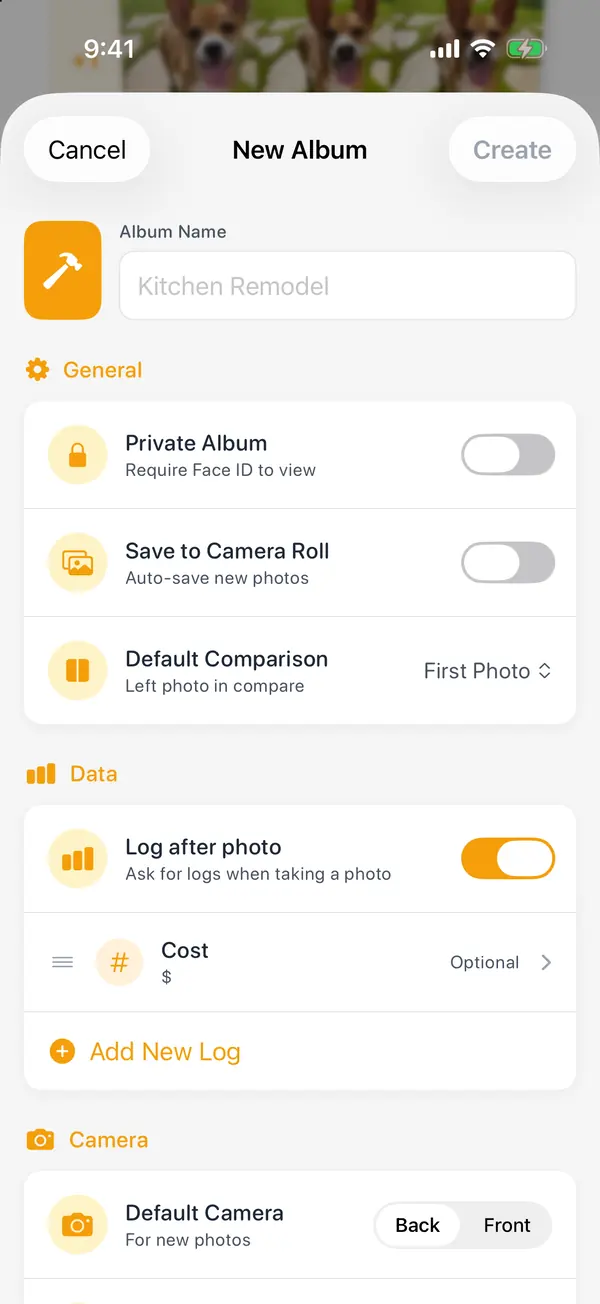
Take the before photo before the first swing. A Renovations album shoots each room from the same doorway, logs what each stage cost, and shows the whole job in a slider at the end.
From the same doorway. Ghost mode lays the last photo over the camera, so before, during and after line up exactly.
What it cost, stage by stage. Log the cost with each photo, add a note, and Trends charts the spend over the job.
Before and after, side by side. Export the two side by side or as a slider video with the dates on, for the contractor, the group chat or the listing.
Blur what's private. Add blur to an export to hide an address, a face or a mess. Lock the album with Face ID while you're at it.
Start your first album
- 1
On Albums, scroll to the end and tap "New Album", then "Renovations".
- 2
Name it for the room and tap "Create". One album per room keeps each ghost lined up.
- 3
Take the before photo from a spot you can find again, like a doorway, with the lights on.
- 4
Log the cost after each stage when it asks, or skip it; it's optional.
- 5
At the end, export the before and after side by side or as a slider video.
Also made for
Small changes add up.Now you can see them.
Every transformation starts with Day 1.
- Locked with Face ID
- No account needed
- Never on our servers

Scan with your iPhone's camera to get Then & Now.
Free to start on iPhone