Then & Now for fitness
Fitness progress picsthat line up
The scale moves slowly and the mirror lies. A Body album lays last time's photo over the camera so every shot matches, keeps your numbers beside each one, and shows the change with a slider.
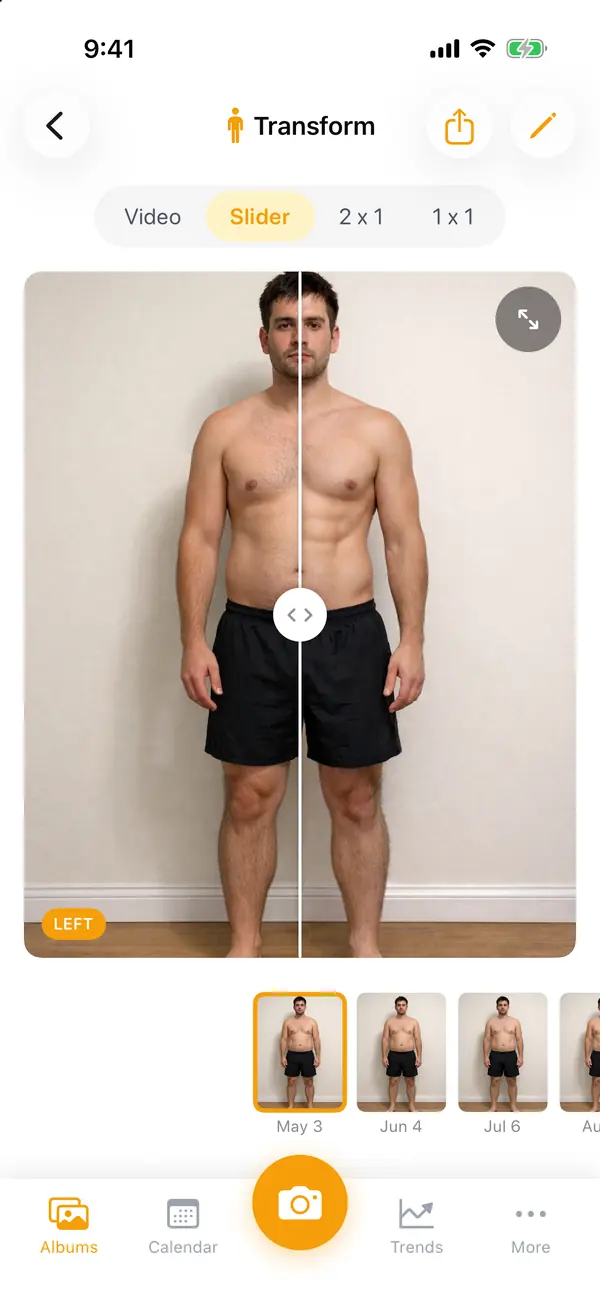
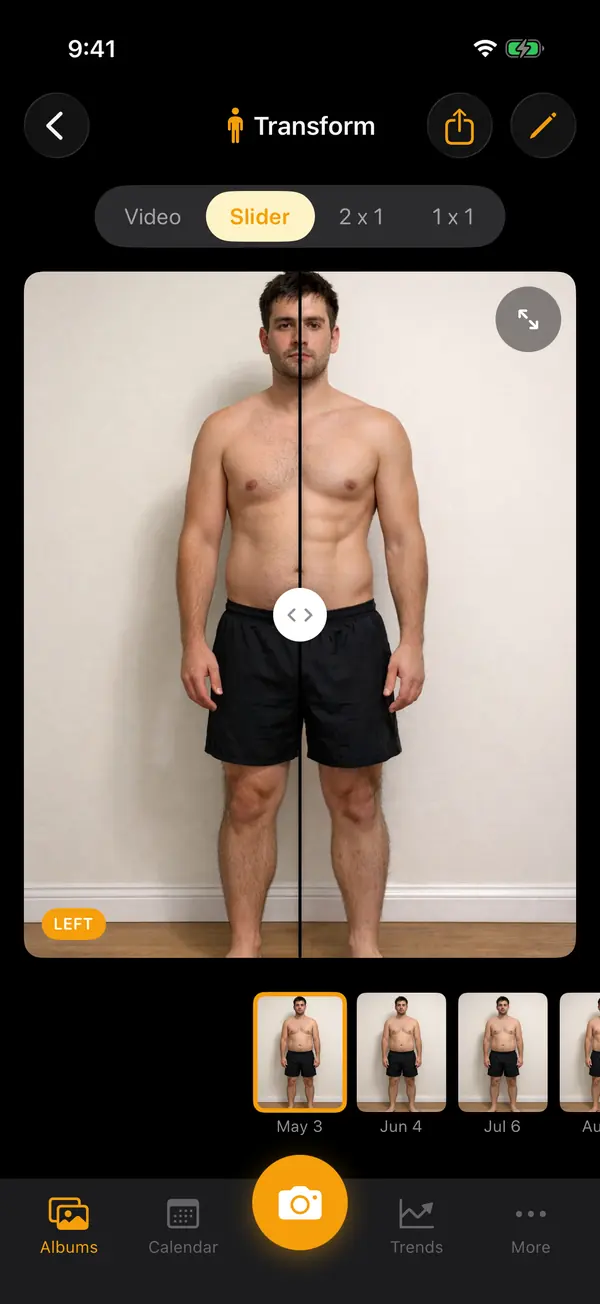
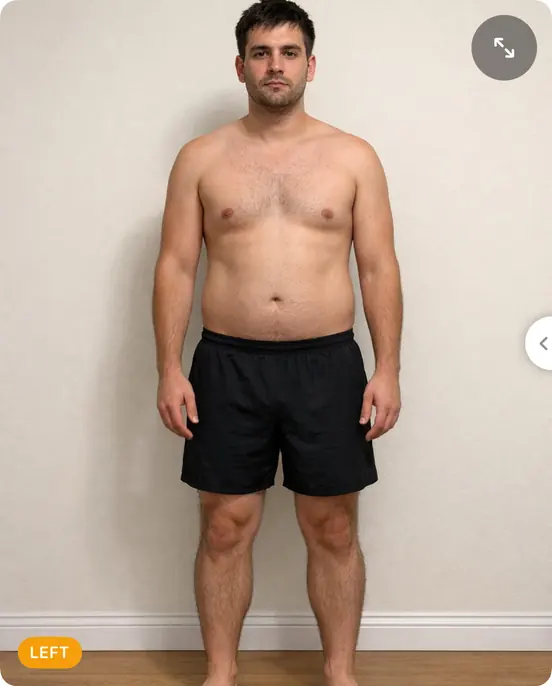
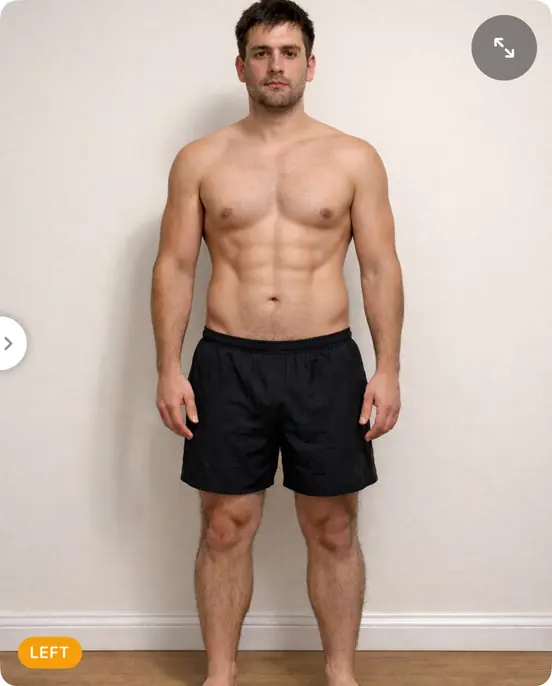

Same pose, every time. Ghost mode puts your oldest or newest photo, one you pick, or one of 16 body outlines over the camera. Match it and take the shot.
Hands-free. Prop the phone up, step back and say "Now". Say "Redo" to take it again, or use the 3 or 10 second timer.
Your numbers beside your photos. Weight, body fat, waist, a 1–5 energy rating, your training phase: log them after each photo, or fill them in from Apple Health. Trends charts every one.
See the difference. Slide from then to now, set two photos side by side with your measurements, or play the whole album as a timelapse.
Start your first album
- 1
On Albums, scroll to the end and tap "New Album", then "Body".
- 2
Name it and tap "Create". Shooting front, side and back? Make an album for each, so each gets its own ghost.
- 3
Take your first photo somewhere you can stand again: same spot, same light, same time of day.
- 4
Fill in your weight when it asks. Next time, turn on Ghost mode and line up with this one.
- 5
Set a reminder under Calendar → the bell: weekly or monthly is plenty.
Also made for
Small changes add up.Now you can see them.
Every transformation starts with Day 1.
- Locked with Face ID
- No account needed
- Never on our servers

Scan with your iPhone's camera to get Then & Now.
Free to start on iPhone