Then & Now for pets
Watch themgrow up
They grow up while you're not looking. A Pets album keeps every photo in order, works out their age on each one, and turns the lot into a slider or a timelapse from the first day home.
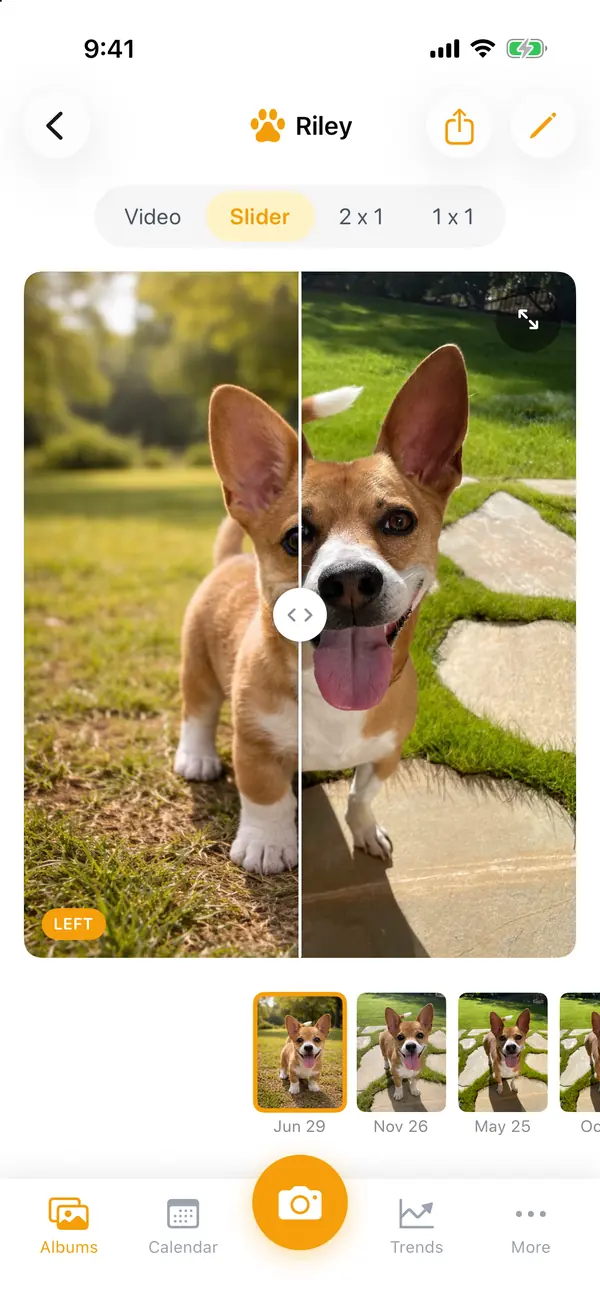
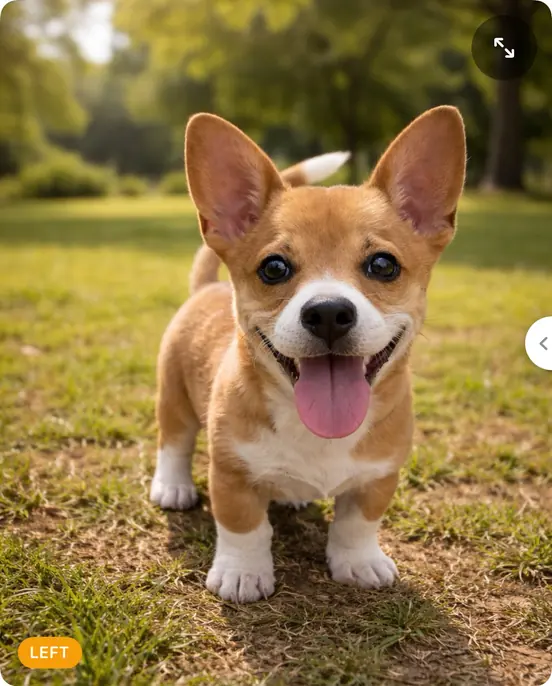
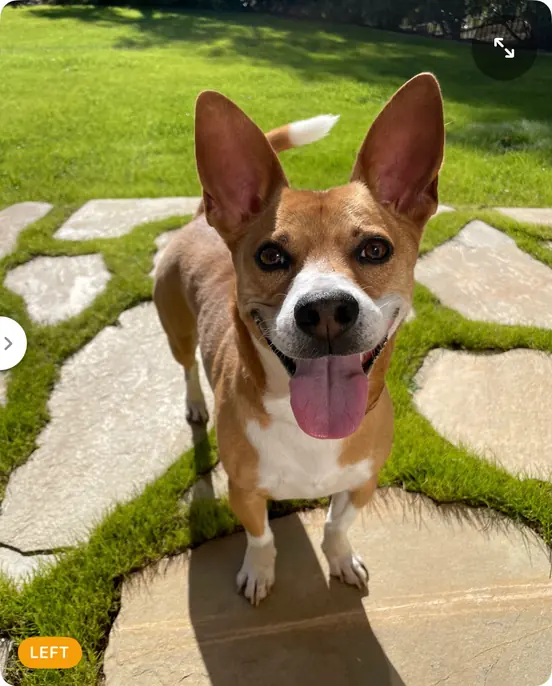

Their age on every photo. Set their birthday once and each photo shows how old they were, down to the day. Rate their mood too, if you like.
Same spot, same angle. Ghost mode lays the last photo over the camera, so the couch, the doorway or the garden lines up every time.
Puppy to today, in seconds. Play the album as a timelapse, or drag the slider from their first week to now.
Made to share. Export with the date and a day count on it, straight to Messages or your camera roll.
Start your first album
- 1
On Albums, scroll to the end and tap "New Album", then "Pets".
- 2
Name it after them and tap "Create".
- 3
Set their birthday: tap the pencil at the top of the album, tap "Age" under Data, and pick the "Start date".
- 4
Take the first photo somewhere you'll be again, at their eye level.
- 5
Add older photos from your library too: import up to 50 at a time and crop each one to match.
Also made for
Small changes add up.Now you can see them.
Every transformation starts with Day 1.
- Locked with Face ID
- No account needed
- Never on our servers

Scan with your iPhone's camera to get Then & Now.
Free to start on iPhone