New year, Day 1
Every transformationstarts with Day 1
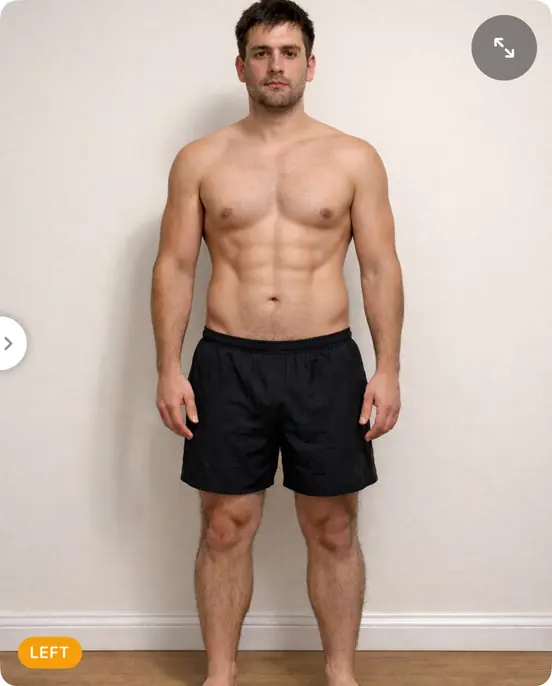
One photo on January 1, and every month after has something to be compared with. Here's how to take the one you'll be glad you took.
Day 1 is January 1.
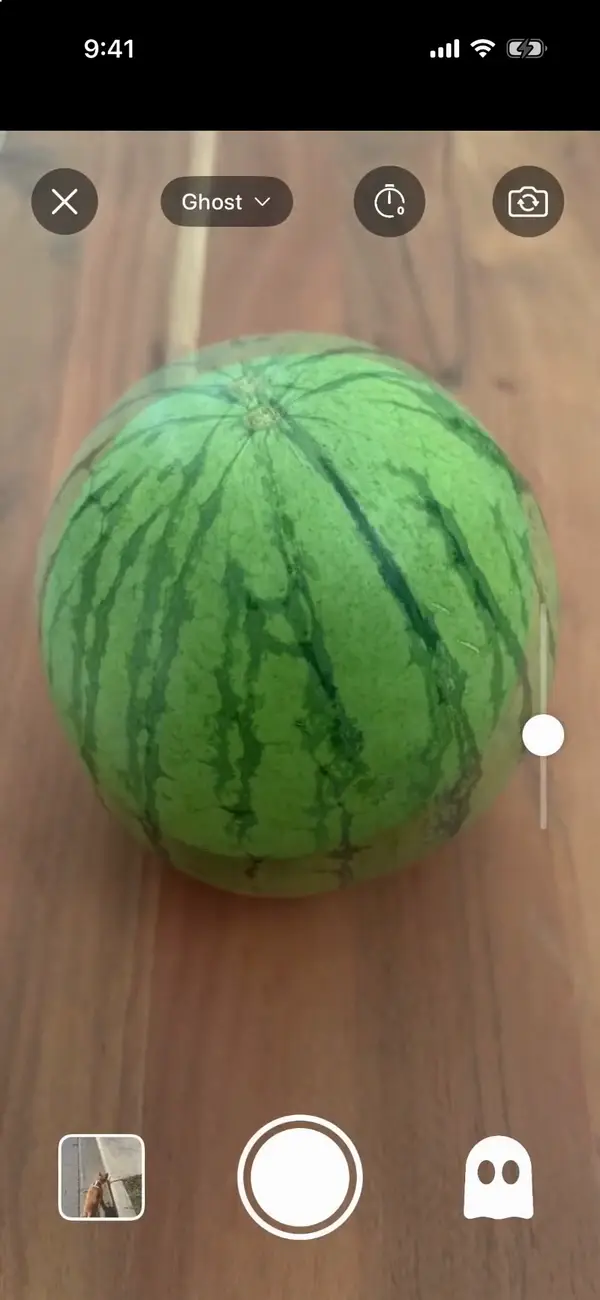
How to takeyour Day 1 photo
- 1
Make an album. On Albums, scroll to the end and tap "New Album". Pick Body, or whatever you're changing this year: a pet, a garden, a room.
- 2
Pick a spot you'll find again. Same wall, same window light, same time of day. A strip of tape on the floor marks where your feet go.
- 3
Set the phone up. Prop it at chest height and step back until the whole of you fits in the frame, with a little room to spare.
- 4
Say "Now". Tap the timer button until it says "Say "Now" to capture", step back, stand naturally and say "Now". Say "Redo" to take it again.
- 5
Log where you're starting. Weight, waist, a 1–5 energy rating: fill in whatever you want to see change. Today's numbers are the ones you'll measure against.
- 6
Set a monthly reminder. Tap Calendar, then the bell, and choose Monthly, a day and a time, like "every 1st Sunday at 9:00 AM".
More on light, poses and angles: How to take progress pics.
Then,once a month
Day 1 is your ghost. An album's ghost is its oldest photo unless you pick another, so with Ghost mode on, every monthly photo lines up with Day 1.
Watch the gap open. Slide from Day 1 to this month, set them side by side with your numbers, or play the year as a timelapse. Trends charts the numbers as they move.
Keep it to yourself. No account, no ads, and any album locks with Face ID. Your photos stay on your iPhone and in your own iCloud.
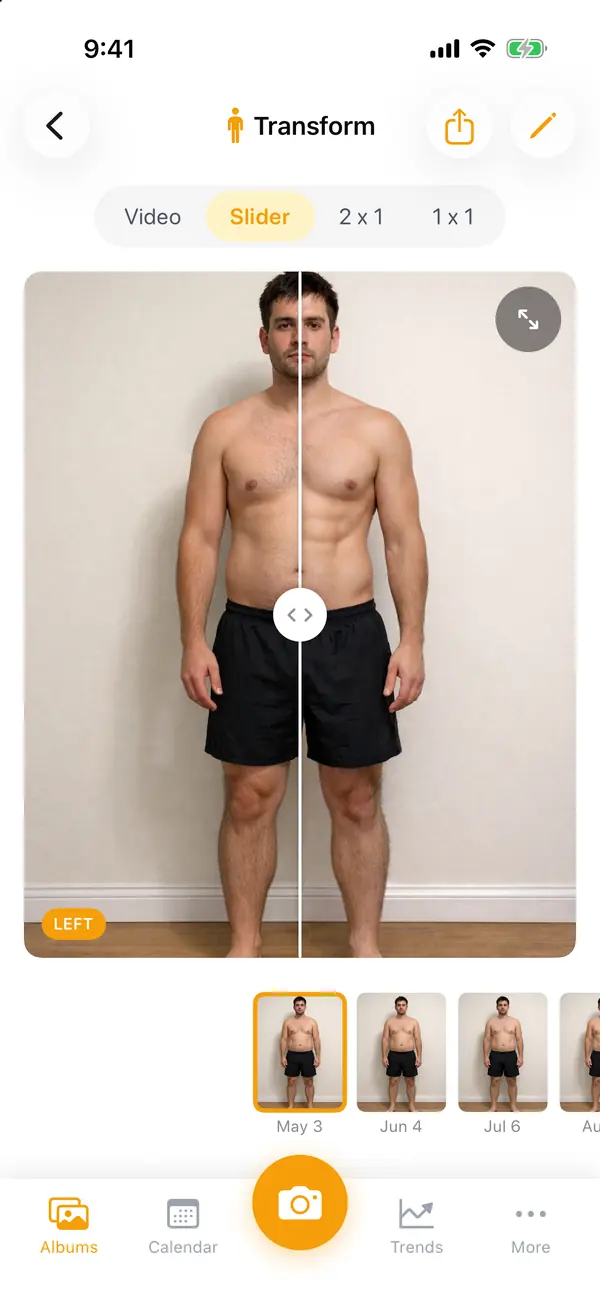
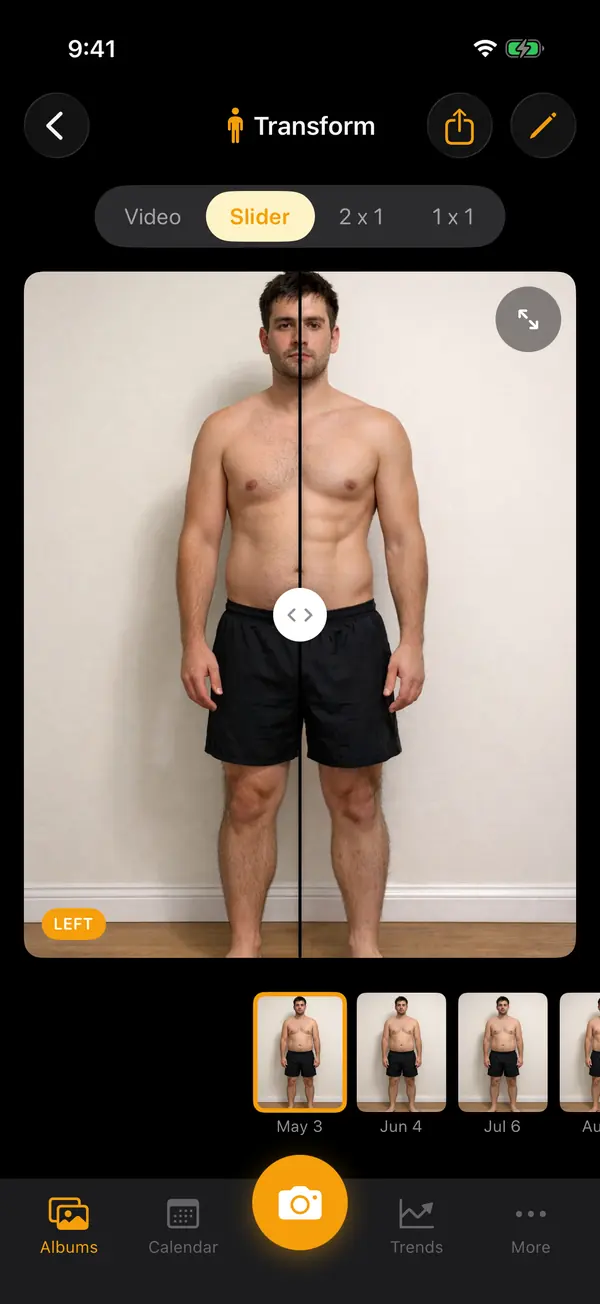
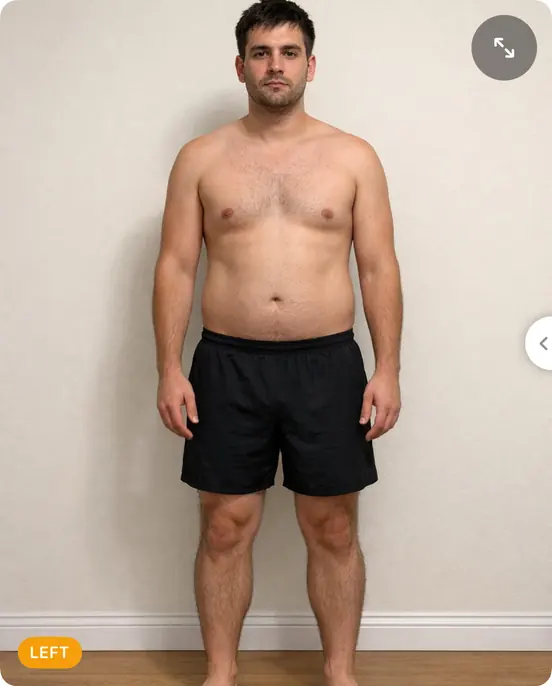

Small changes add up.Now you can see them.
Every transformation starts with Day 1.
- Locked with Face ID
- No account needed
- Never on our servers

Scan with your iPhone's camera to get Then & Now.
Free to start on iPhone