Press kitThen & Now in a minute
Everything you need to write about Then & Now or show it in a video. Use these freely in coverage; please don't alter the app icons. For anything else, email aloha@mahalomochi.com.
About
In one line: Then & Now is a progress photo app for iPhone: line up every photo with Ghost mode, then see the change with a slider, side by side or as a timelapse.
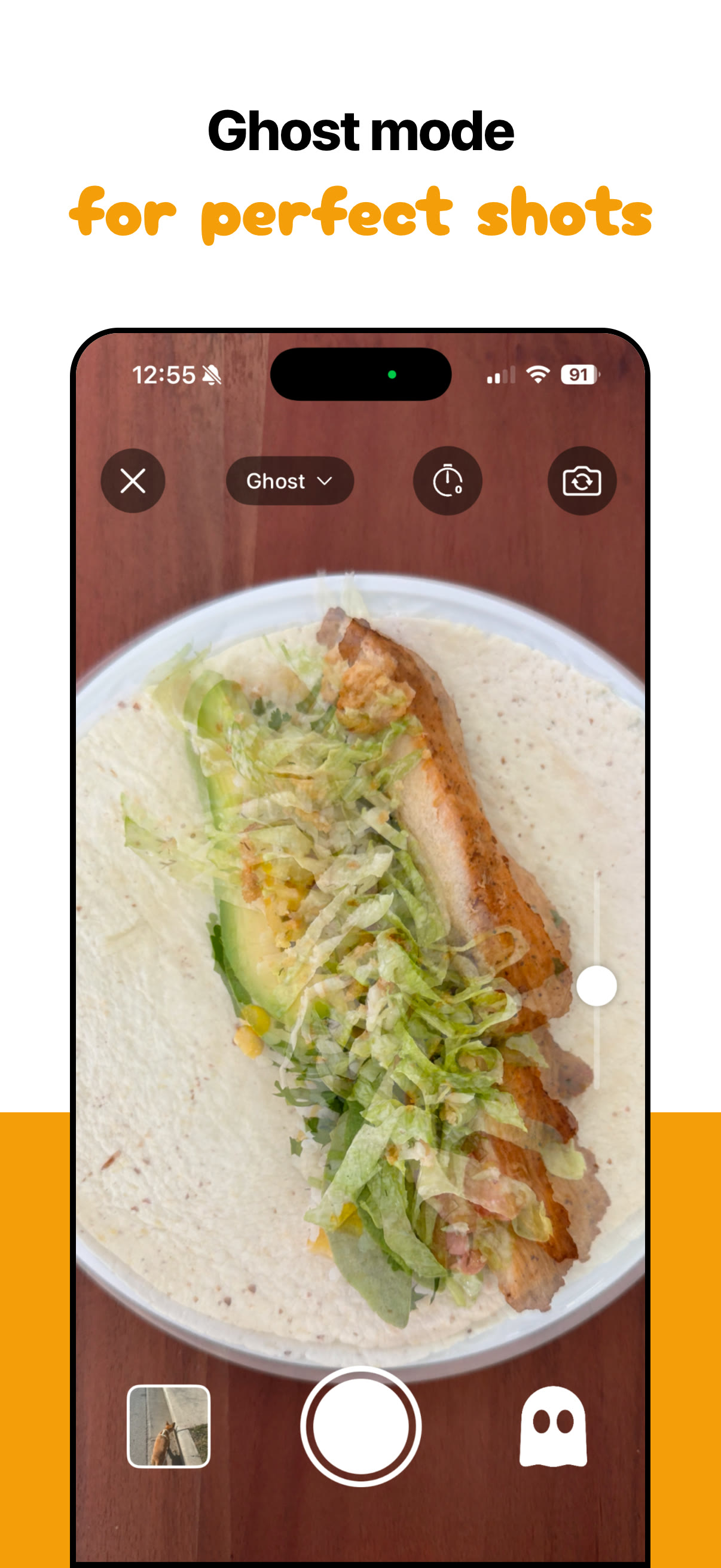
Then & Now helps people see change that's too slow to notice day to day. Each album, for a body, a pet, a plant, a renovation or anything else, keeps its photos in order with measurements alongside. Ghost mode lays an earlier photo over the camera so every shot lines up, and the voice timer takes it hands-free. The slider, 2 × 1 and timelapse views show the difference, Trends charts the numbers (with Apple Health if you like), and exports are ready to share with dates, day counts and blur. There's no account, no ads and no analytics, and any album can lock with Face ID.
Fact sheet
- App
- Then & Now (on the App Store as “Progress Pics Photo Then & Now”)
- Made by
- Brian, at Mahalo Mochi LLC (a one-person studio)
- Launched
- February 26, 2026
- Latest version
- 2.3, July 4, 2026: Crop & Align
- Platform
- iPhone, iOS 17 or later. The app is in English.
- Price
- Free to start, with 99 new photos a week. Premium: $4.99 a month, $29.99 a year or $99.99 once (US).
- Downloads
- 3,500+ in 96 countries (October 2026)
- Privacy
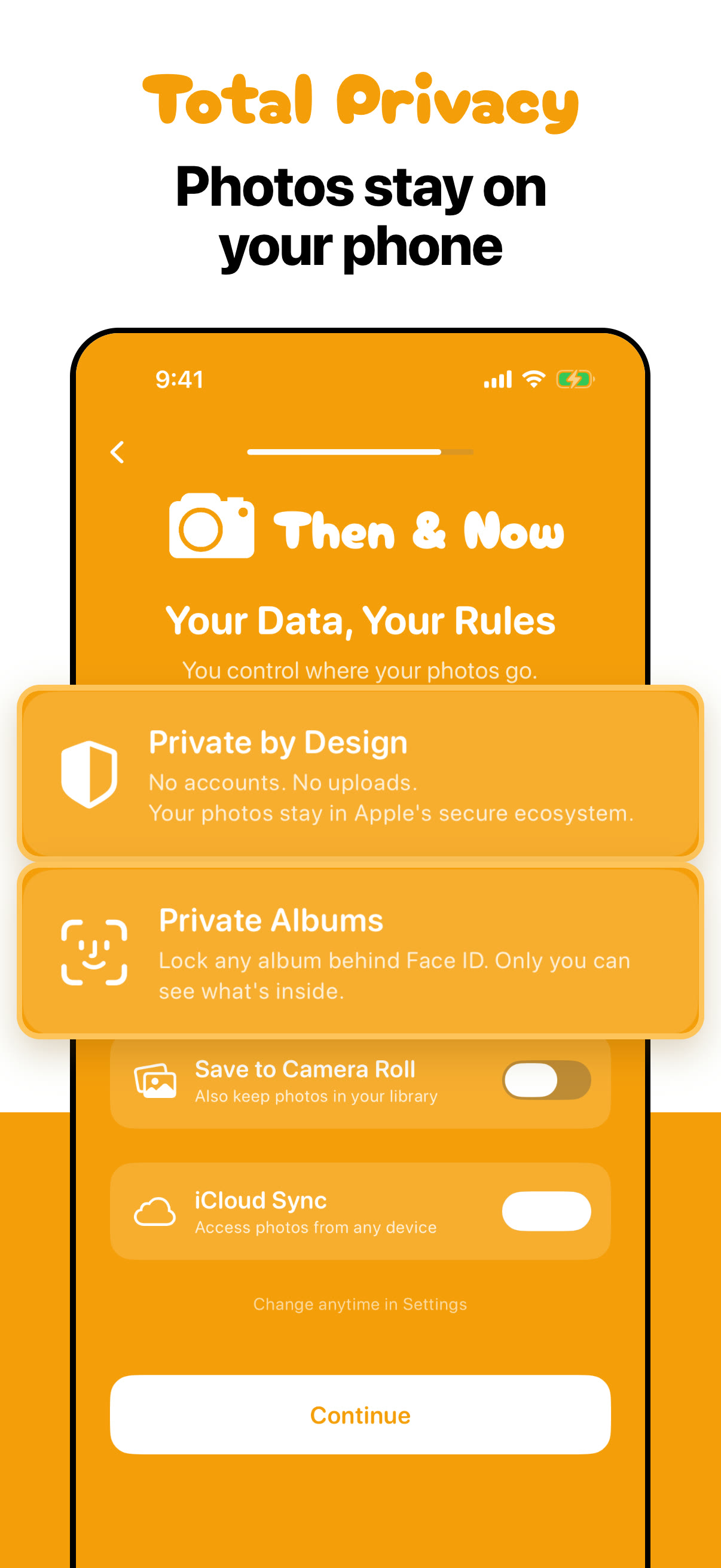
- No account, no ads, no analytics. Photos stay on the iPhone and in the user's own iCloud.
- Contact
- aloha@mahalomochi.com
App icons
The app comes in eight colours, each with a light and a dark icon. 1024 × 1024 PNG.











Screenshots
The App Store set, 1206 × 2622 JPEG, made from the app's sample albums (the people are demo models).

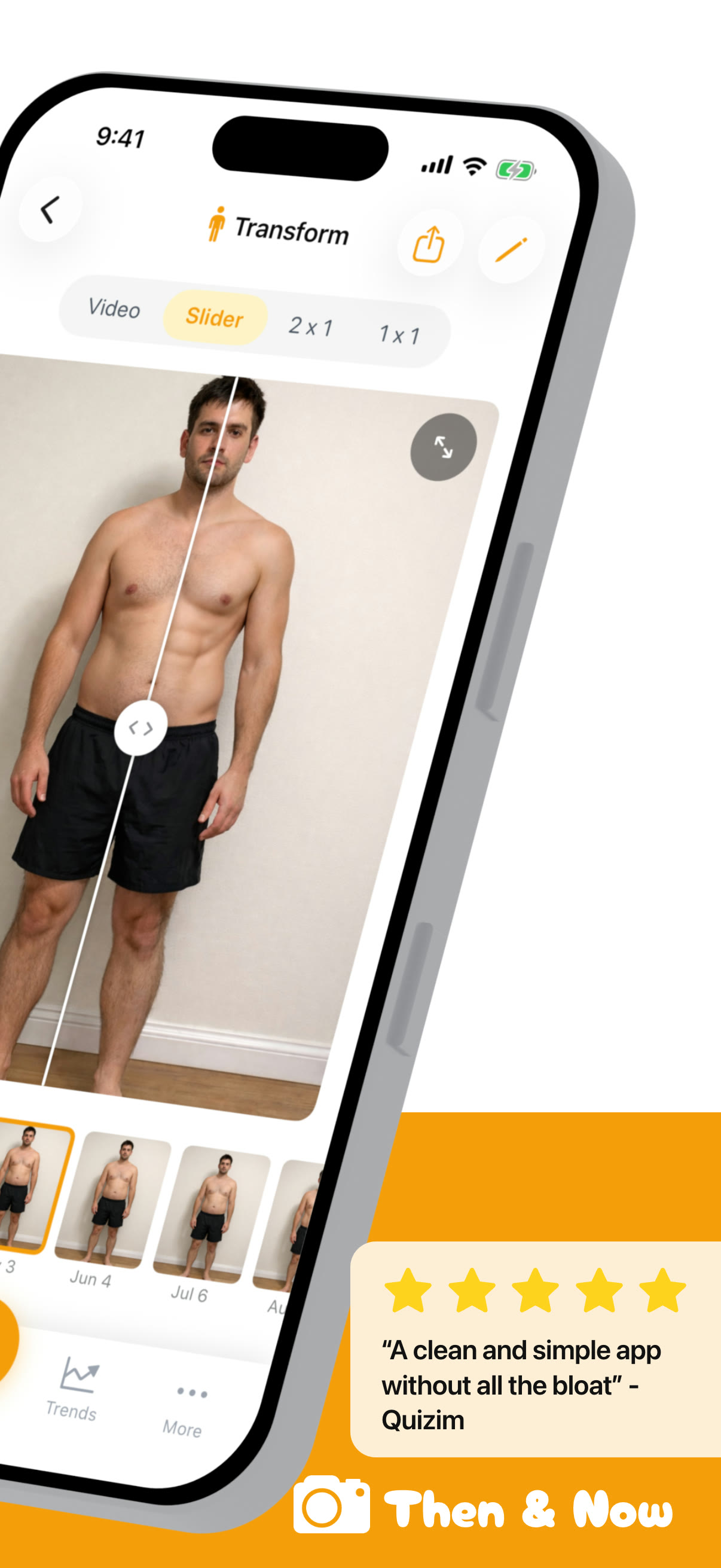
Progress you can finally see: the slider (left half of the opening spread)

The opening spread's right half, with a five-star review

Total privacy: photos stay on your phone

Ghost mode for perfect shots

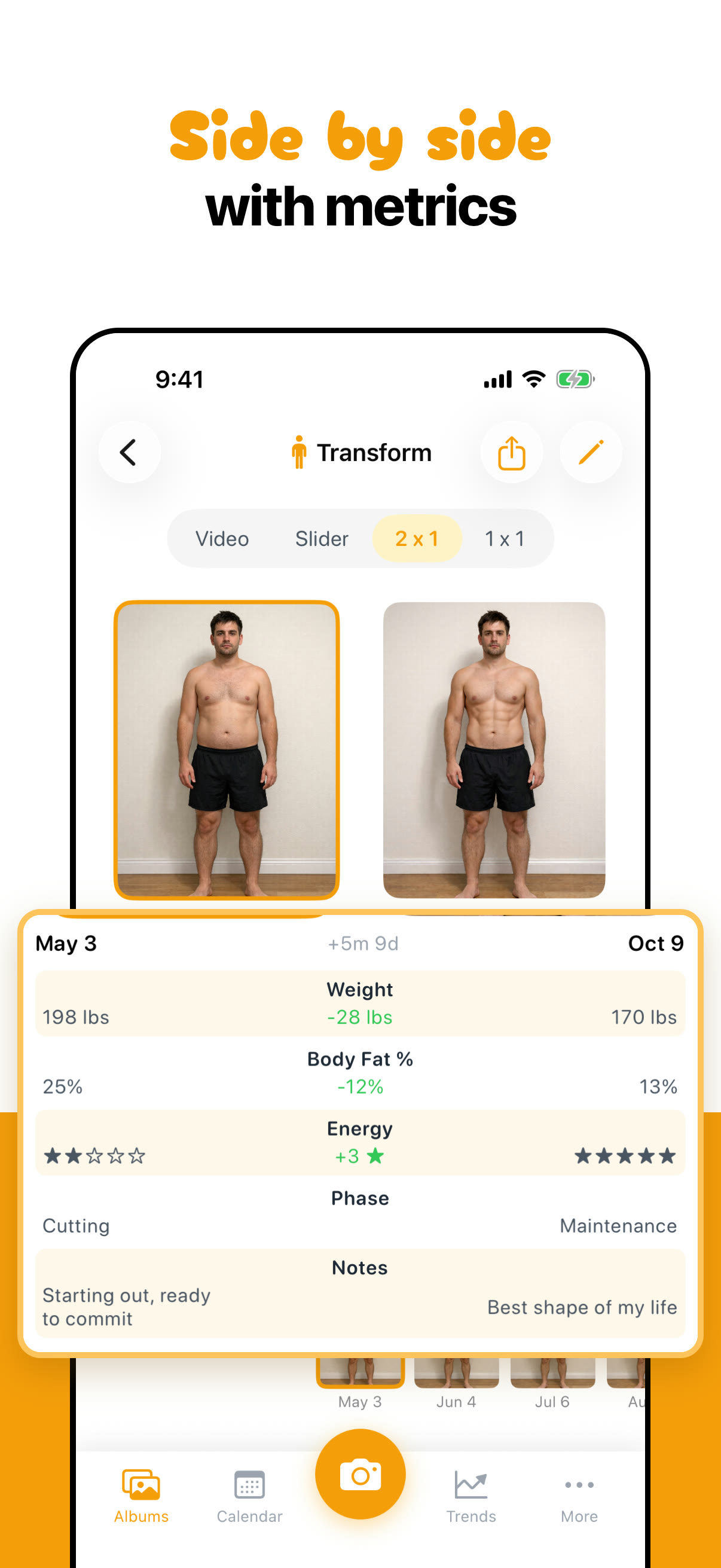
Side by side with metrics

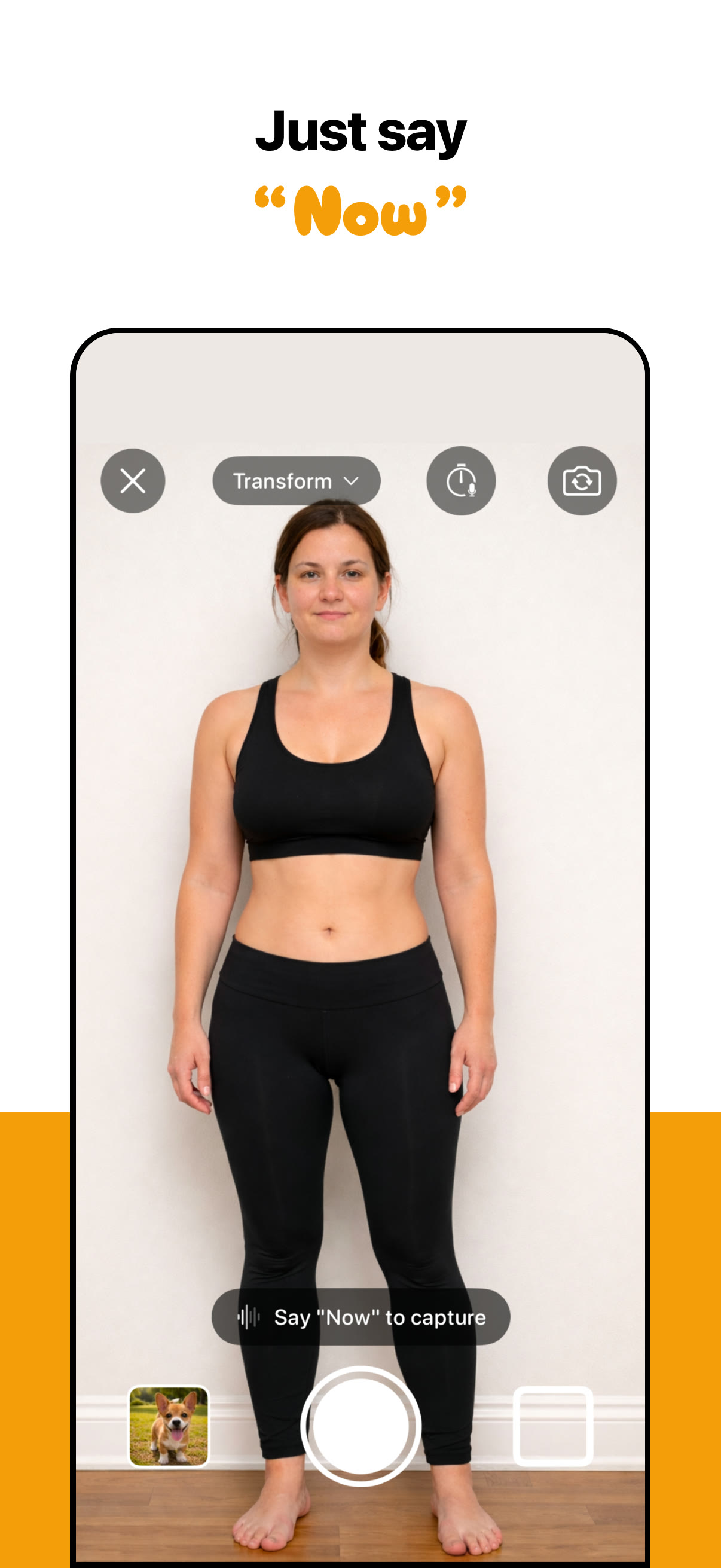
Just say "Now": the voice timer

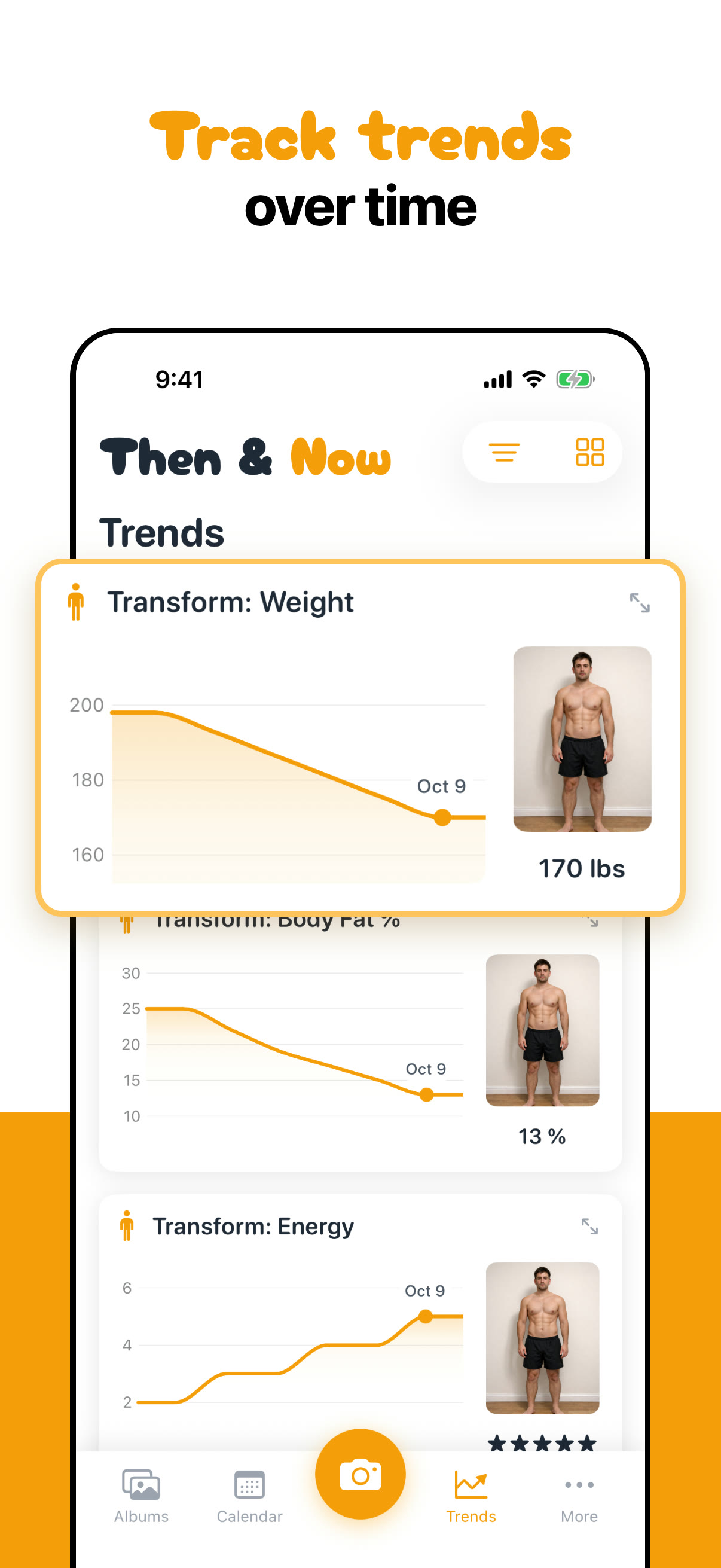
Track trends over time
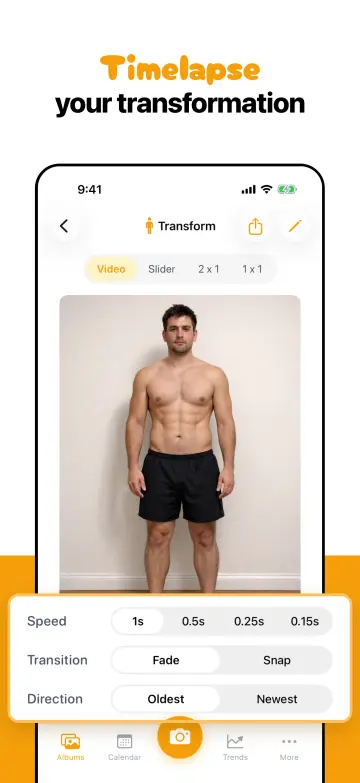
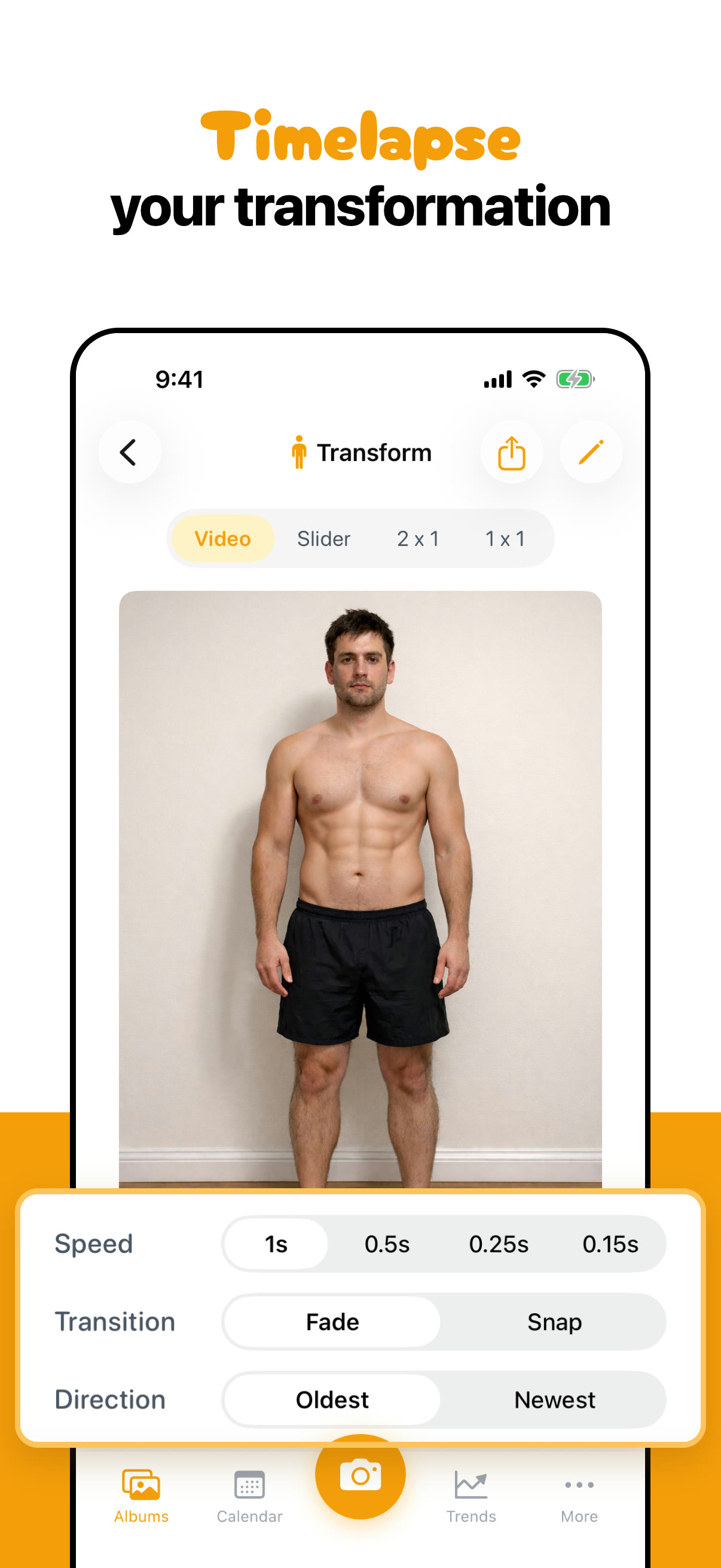
Timelapse your transformation
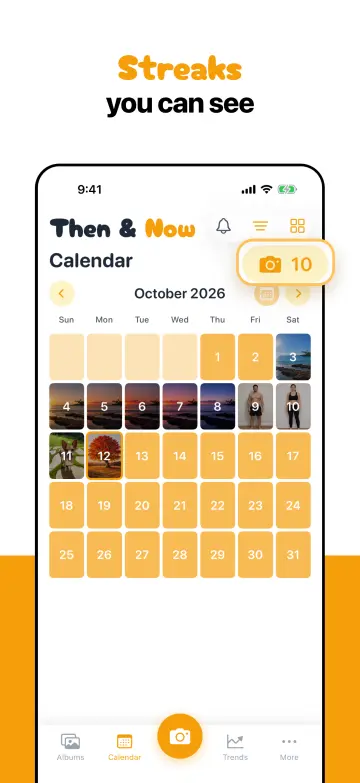
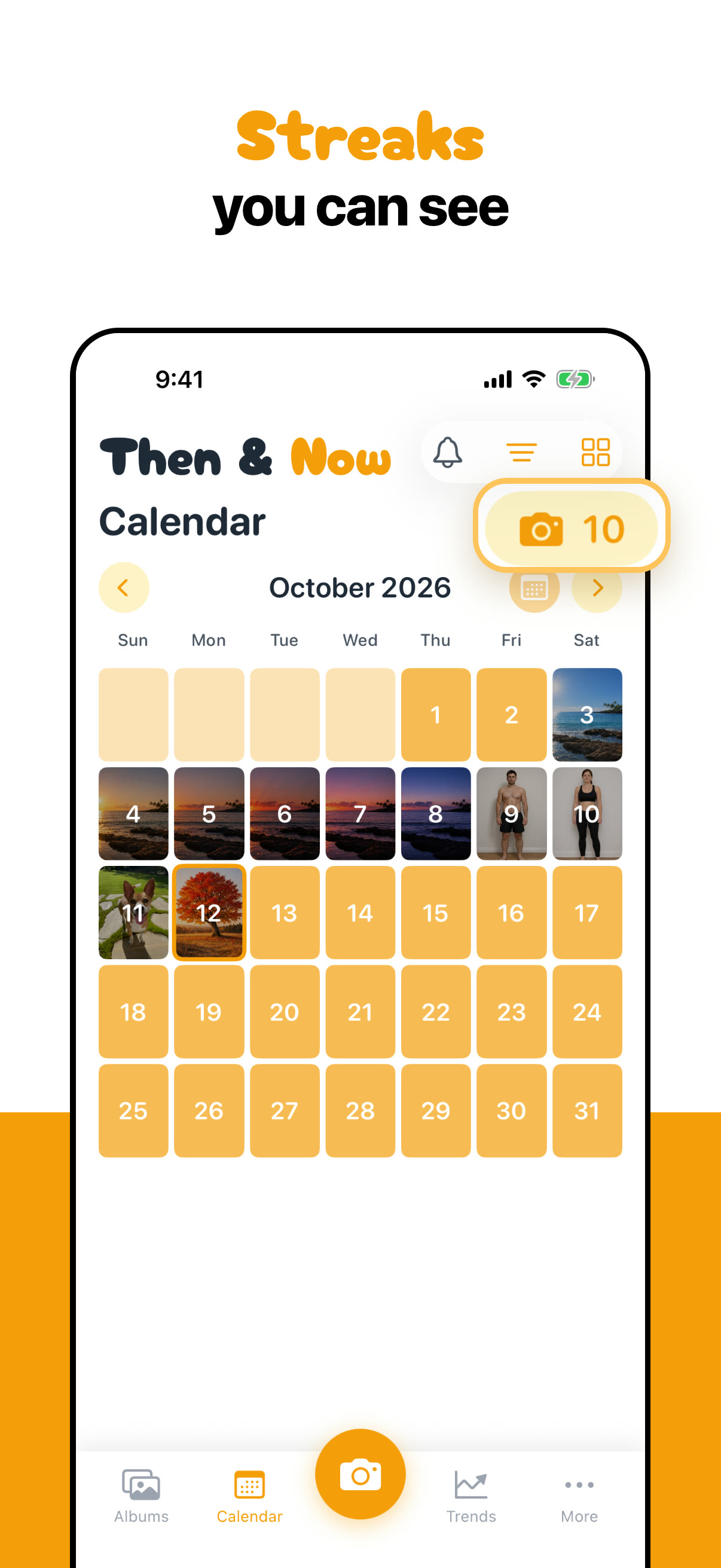
Streaks you can see
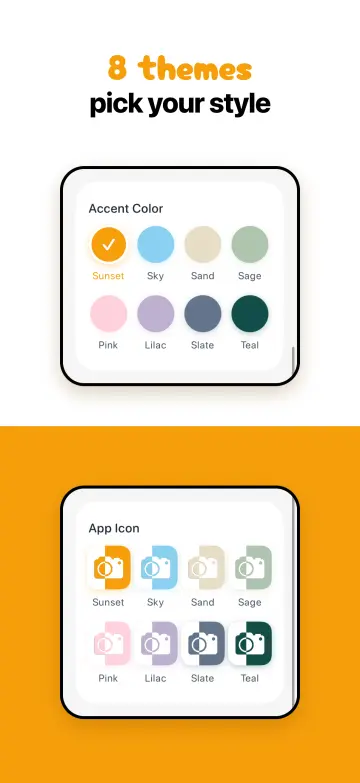
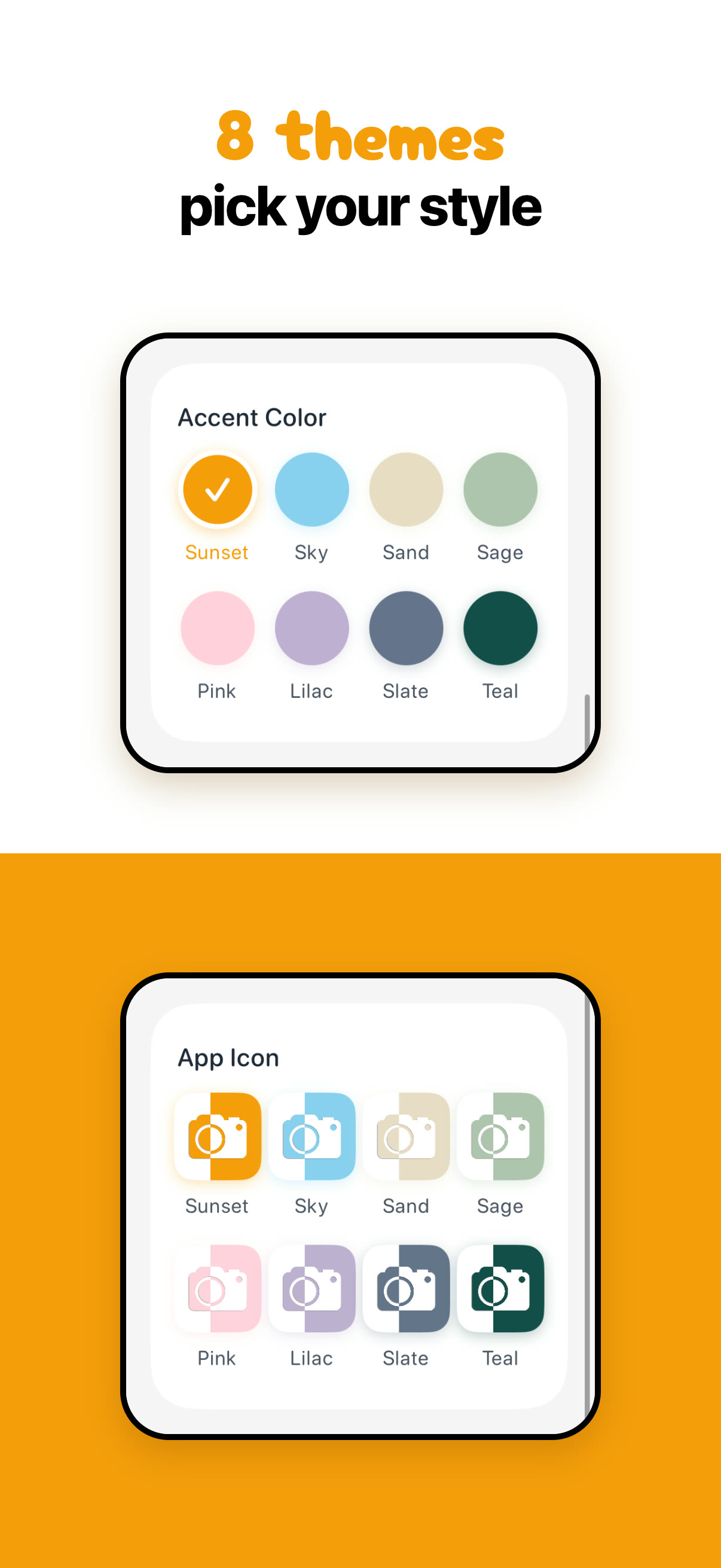
8 themes, pick your style



















Preview video
The App Store preview, 29.8 seconds: “Then. Now. Wow!” on the slider, a timelapse, side by side with measurements, Trends, Ghost mode, a corgi and a maple growing up, streaks and themes, ending on “Small changes add up. Now you can see them.” Web cut, 560 × 1214.
Download MP4