What's newin Resolutely

Every update since launch, newest first. Follow along with the RSS feed.

Version 14.0Latest

Meet Pip

Pip, a little seed, now walks you through how goals grow and helps you plant your first one. Goal setup is redesigned, habits can check themselves off with Apple Health, and Plant your 2027 opens December 15.

  • Pip shows you around Resolutely and helps you plant your first goal. Tap Pip on your goals list to start a new one.
  • Goal setup, redesigned: pick an area of life, choose a habit, a target or steps, and get ideas that fit. Steps goals get ideas for every step along the way.
  • Link a habit to Apple Health, like 10,000 steps a day, and it's checked off on every day you reach it. Works with steps, exercise minutes, distance, flights climbed, sleep and mindful minutes.
  • From December 15, Plant your 2027 puts this year's goals on one page: keep, adjust or let go of each one, then add new ones.
  • Give each category its own color.
  • Import Data in Settings adds goals and steps from a spreadsheet.
  • Try the Winter Pack for a day before you buy it.
  • New awards anyone can earn, like First Bloom for showing up 7 days in a row.
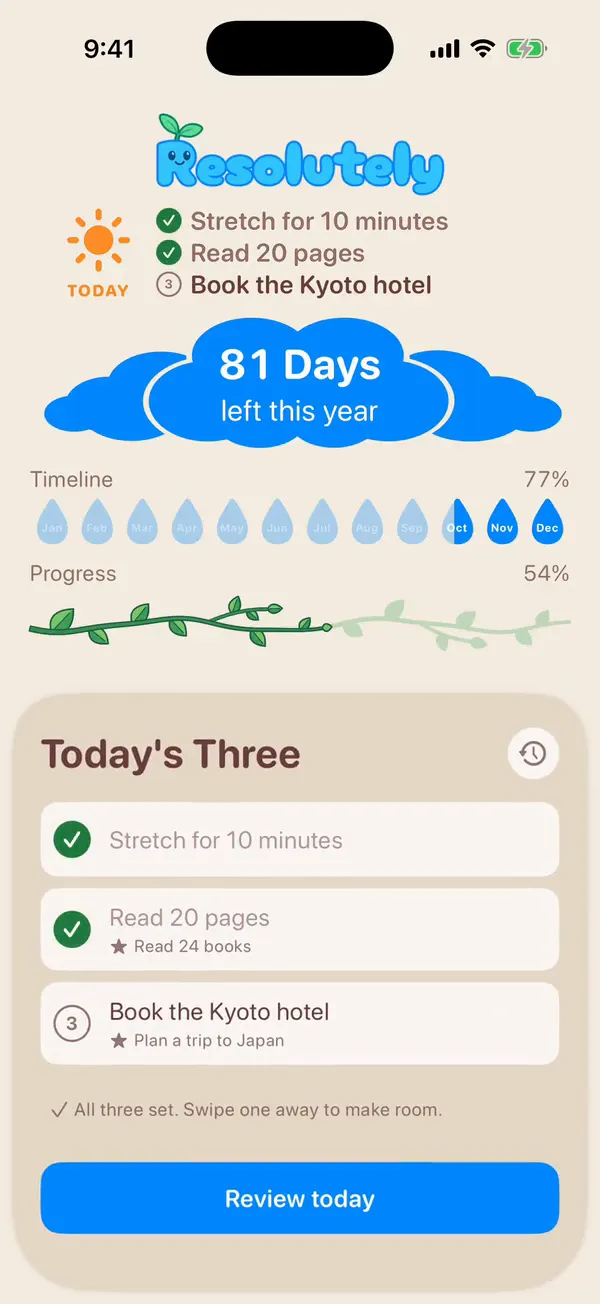
  • The top of your goals list takes turns showing Today's Three and the quote of the day.
Version 13.0

Momentum and Awards

Habits count Momentum, so one missed day can't undo a month. Plus Awards, Skip a day, and Your Year, Wrapped from December 14.

  • Habits now count Momentum: every day you do a habit adds one, and a missed day takes one away instead of starting over. Prefer streaks? Settings → Habit Counter switches back.
  • Long press a habit's check circle to choose Done, Skip or Didn't do it. A skipped day leaves your count where it is.
  • Settings → Awards: every year you use Resolutely gets a wreath, with a flower for each goal you finish.
  • A habit widget with one habit's flame, its Momentum, your best and the last 7 days.
  • From December 14, Your Year, Wrapped looks back on your goals finished, steps done, best habit run and the month you grew most.
  • Settings → Appearance puts every look in one place, and Settings → Apple Health shows what's connected.
  • Fits iPhone Duo, open or folded.

Version 12

Your language

Resolutely now speaks 46 more languages and follows your iPhone's language.

  • 46 more languages, including Arabic, Hebrew and Urdu, which read right to left.

Version 11

Grow

Every goal has a Grow tab: each day you worked on it falls from the cloud as a drop, with three ideas to keep it going.

  • Grow: each day you worked on a goal falls as a drop. Tap one to see what you did that day.
  • Under the drops, three ideas written for your goal: one to add to Today, a reminder and a question to reflect on.
  • Focus is now Grow, and Journey is now Journal.
  • Rain on the home screen: tap the sky to switch between your year, the rain and the tree.
  • Today's Three: check one off to add another, and finish Review today without planning tomorrow.
  • Group your goals by Category, Goal Type or End Month with Layout.

Version 10.2

Today's Three

Link Today's Three to your goals, wake up to tomorrow's three on your Lock Screen, and watch your habit streaks glow.

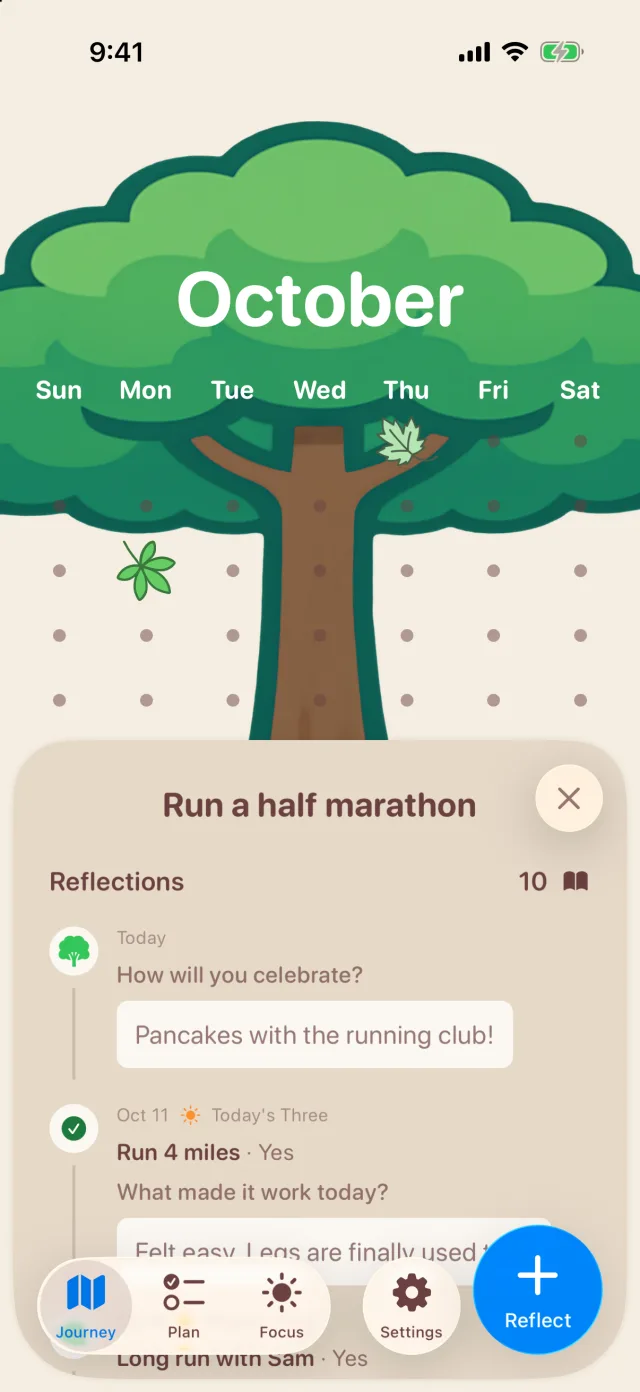
  • Link any of your three to a goal, and see how it went in that goal's Journey.
  • Finish your evening review and tomorrow's three show up on your Lock Screen right away, then switch to Today at midnight.
  • Swipe the home header between your three and the daily quote.
  • Habits on a 3+ day streak glow with a flame that grows at 7, 30 and 100 days.
  • Each habit's drop shows your consistency and running streak at the top.
  • A refreshed app icon and logo, and a Journey header with your reflection count and the days left.
See it on the homepage: Small habits, every day
A goal's Journey with a Today's Three item from the day before: Run 4 miles, Yes

Version 10.1

Today

Each night, pick up to three things you want to improve tomorrow. They stay on your Lock Screen all day, and you check them off as you go.

  • Today: up to three things a day, typed in or added from a goal.
  • Review today in the evening: Yes, A little or Not today for each one, how the day went overall, then tomorrow's three.
  • Missed an evening? The next morning asks how yesterday went.
  • History, with your streak of reviewed days.
  • Today on your Lock Screen and in the Dynamic Island as a Live Activity, plus Today widgets for the Home Screen and Lock Screen that you can check off.
  • A habit's Year view now shows that year's consistency and streak, and switching Year, Month and Week replays the drop.
  • Pace messages now sit in the chart header.
See it on the homepage: Today on the Lock Screen
Today's list of three, with two checked and a Review today button

Version 9.0

Room to Grow

Widgets, running totals, pace, goals that run past December, and a quicker way to reflect on everything at once.

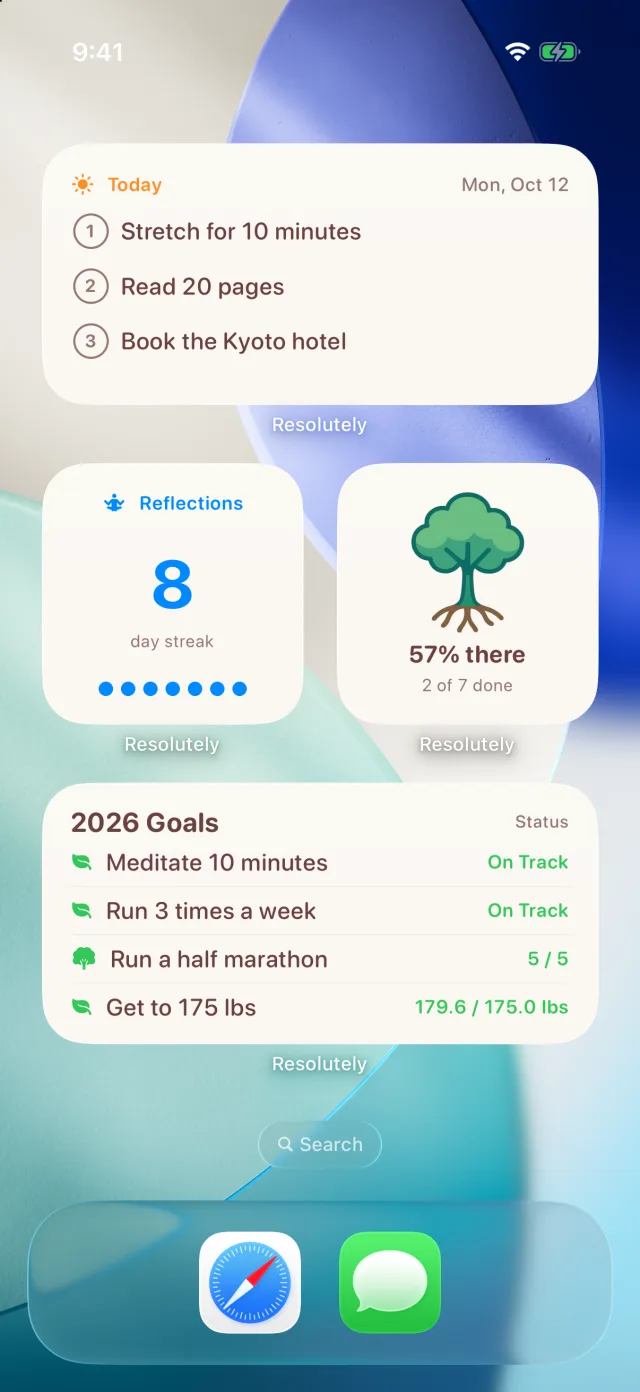
  • Six widgets for your Home Screen.
  • Count It Up: for goals you add to, like books read, every entry adds to a running total.
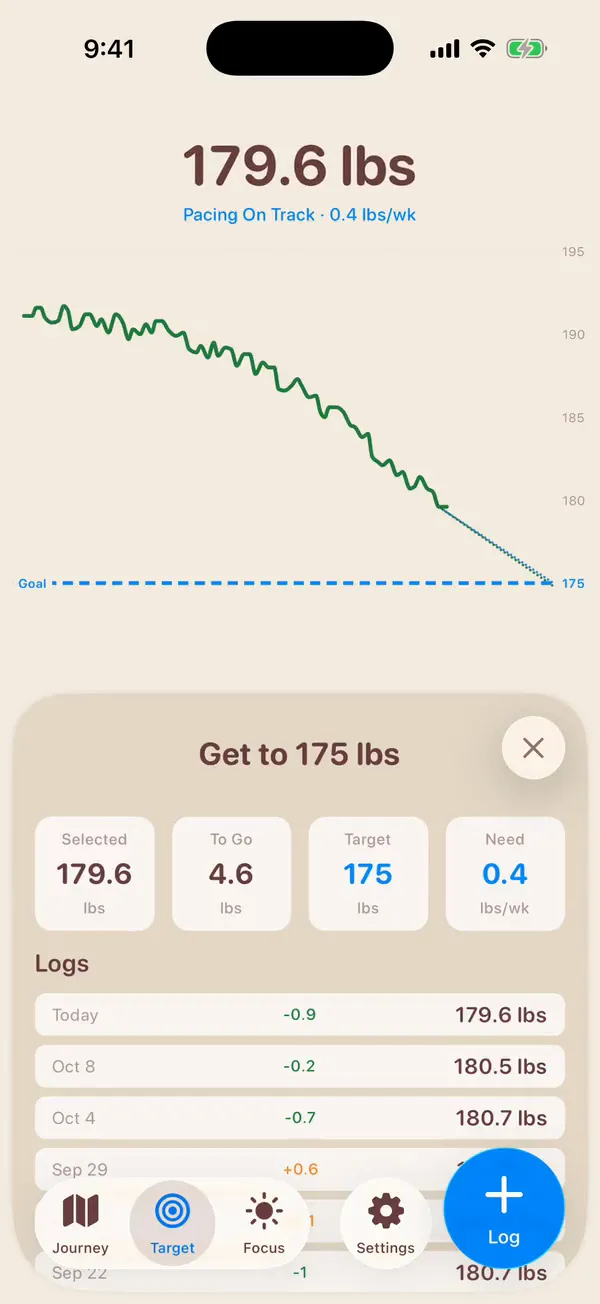
  • Know Your Pace: targets show the pace you're at and the pace you need, with lines for both on the chart.
  • Goals That Cross the Year: give a goal a real start and end date.
  • Mindful Check-in: reflect on every goal you haven't reflected on today, one card at a time.
  • Habit Week and Month timelines, with days you can check off.
  • A new light palette, and a home intro: the days-left countdown, the month drops and the Progress vine.
  • The habit drop's fall-and-bloom entrance, and haptics throughout.
See it on the homepage: Track any number
Home Screen widgets: Today, Reflection Streak, Growth and the Goals Dashboard

Version 8.0

Focus

A daily focus on your Lock Screen, and a simpler way to catch up.

  • Pick a daily focus and keep it on your Lock Screen as a Live Activity. In 10.1 it grew into Today.
  • Catch-up now walks through overdue steps, today's habits and today's targets in one go.
  • Feedback now goes by email: Settings → Contact Support.
  • Resolutely only asks for a review after you've really used it.

Version 7.1

Fixes

Crash fixes and stronger protection for your data.

  • Fixes for crashes, and safeguards so your goals and reflections are saved safely.

Version 7.0

Apple Health

Apple Health now syncs with your goals. Weight and step targets update automatically.

  • Link a weight or steps target to Apple Health and it updates by itself.
  • Resolutely only reads from Health, and Health data stays on your iPhone.
See it on the homepage: Track any number
A weight chart drawing down toward a goal of 175 lbs, pacing on track

Version 6.0

Targets

Track any number over time and work toward your goal. Weight, scores, savings, and more.

  • A third kind of goal, next to Steps and Habit: a number you want to reach.
  • Log entries and watch the chart. Version 6.1 added a scroll wheel for quick entry.
See it on the homepage: Track any number

Launch

Resolutely launches

The first version: set your goals for the year, break them into milestones, reflect as you go and watch a plant grow with your progress.

  • Free, with no account. Your goals sync through your own iCloud.
See it on the homepage: Big goals, small steps

Get the latest version, free.

Download Resolutely on the App Store